✕
Create a free account to see live performance
SEC rules require us to show performance inside a logged-in account.
Every strategy runs live. Inside, you see every holding, every trade, and every move to cash.
SEC rules require us to show performance inside a logged-in account.
Every strategy runs live. Inside, you see every holding, every trade, and every move to cash.
No setup makes AI trading risk-free. Robinhood agentic trading has controls that can lower your risk, and a few habits lower it further. Here is what helps, what can still go wrong, and a checklist to use first.
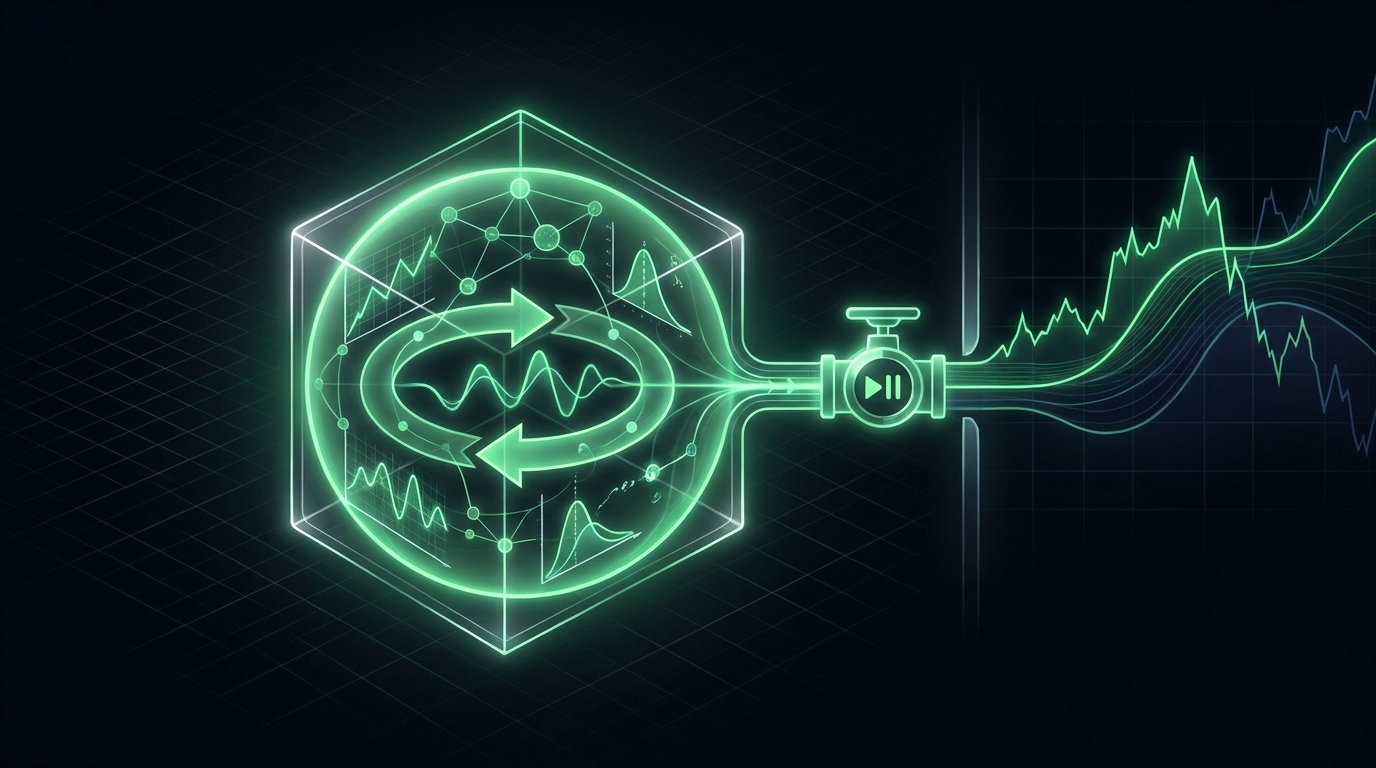
No setup makes AI trading risk-free. But Robinhood agentic trading has controls that can lower your risk, and a few habits lower it further. Here is what helps, what can still go wrong, and a checklist to use first.
Letting AI trade your Robinhood account is never free of risk. Robinhood warns that agentic trading carries significant risk. You could lose your entire investment.
The honest question is how much risk you can reduce. The answer is quite a lot, if you use the controls and keep the agent on a short leash.
Five things lower the risk of AI trading on Robinhood. The first two come from Robinhood. The rest are up to you.
Your agent trades only in a dedicated agentic account. Robinhood says it can place trades there and nowhere else. Only the money you move into that account is at risk from the agent's orders.
With trade approvals on, your agent proposes trades and you place them yourself. Robinhood says approvals are on by default for its built-in agents but off for outside agents like Claude or ChatGPT.
Fund the agentic account with an amount you could lose without real harm. Add more only after the setup has worked as planned for a while.
Give your agent a written plan instead of asking it what to buy. Some tools feed the agent a plan without seeing your brokerage account at all. Portfolio Lab, for example, says it shares only your strategy's plan and never sees your Robinhood account.
Only connect apps and servers you trust. Anthropic advises checking the permissions you grant when you sign in to a connector. You can remove the connector from your AI app at any time.
Even with every control on, several things can still go wrong. Robinhood says agents can make errors and misread instructions. They can also act on old or partial information.
FINRA is the Financial Industry Regulatory Authority. It also lists made-up facts, called hallucinations, as a risk of AI agents.
Your agent sees more than it can trade. Robinhood says an outside agent can read all your Robinhood accounts. That includes account numbers, positions, balances, and order history.
That data passes through your AI app. Robinhood says you take on the risk of how the outside AI provider uses it. Read your AI app's privacy terms before you connect.
Run through this list before your agent places its first order.
1. Fund the agentic account with an amount you could afford to lose.
2. Turn on trade approvals in Agent Settings, under Safety Controls.
3. Write down your plan: what to hold, how much, and when to change.
4. Tell the agent to stop and ask you if anything looks unusual.
5. Ask the agent to report every order and whether it filled.
6. Check your Robinhood Activity section after every run.
7. Know how to disconnect: remove the connector from your AI app.
Judge the setup by whether it follows your plan, not by a good week. See judge the behavior, not the returns.
Portfolio Lab is a strategy research and simulation tool from alphaAI Capital. It lets you build investment strategies and test them in live markets with virtual money. It connects to your AI app as a second connector next to Robinhood.
Its Robinhood page has more on how the two work together.
No trading is free of risk. Robinhood's separate account and trade approvals can lower risk, but agents can still make costly mistakes.
It can trade only in the separate agentic account. Money in your main account is outside its reach for trading.
Yes. Robinhood says outside agents get read access to all your accounts, balances, and order history.
You are responsible for it. Robinhood says you are ultimately responsible for every trade your agent places.
Turn on trade approvals in Robinhood, or remove the Robinhood connector from your AI app.
Only after the agent's orders have matched your plan many times. Even then, start with small amounts.
Experiences vary. The common lessons are to start small, keep approvals on, and give the agent clear written rules.
It can lose what is in the agentic account. Robinhood warns you could lose your entire investment.
Build, test, and deploy your own strategies in Portfolio Lab. Free to start.
Educational & Research Disclosure: The content provided is for informational and educational purposes only and is not intended to constitute investment advice, a recommendation, solicitation, or offer to buy or sell any security. Any discussion of market trends, historical performance, academic research, models, examples, or illustrations is presented solely to explain general financial concepts and does not represent a prediction, guarantee, or assurance of future results. Past performance is not indicative of future results. All investing involves risk, including the possible loss of principal.