✕
Create a free account to see live performance
SEC rules require us to show performance inside a logged-in account.
Every strategy runs live. Inside, you see every holding, every trade, and every move to cash.
SEC rules require us to show performance inside a logged-in account.
Every strategy runs live. Inside, you see every holding, every trade, and every move to cash.
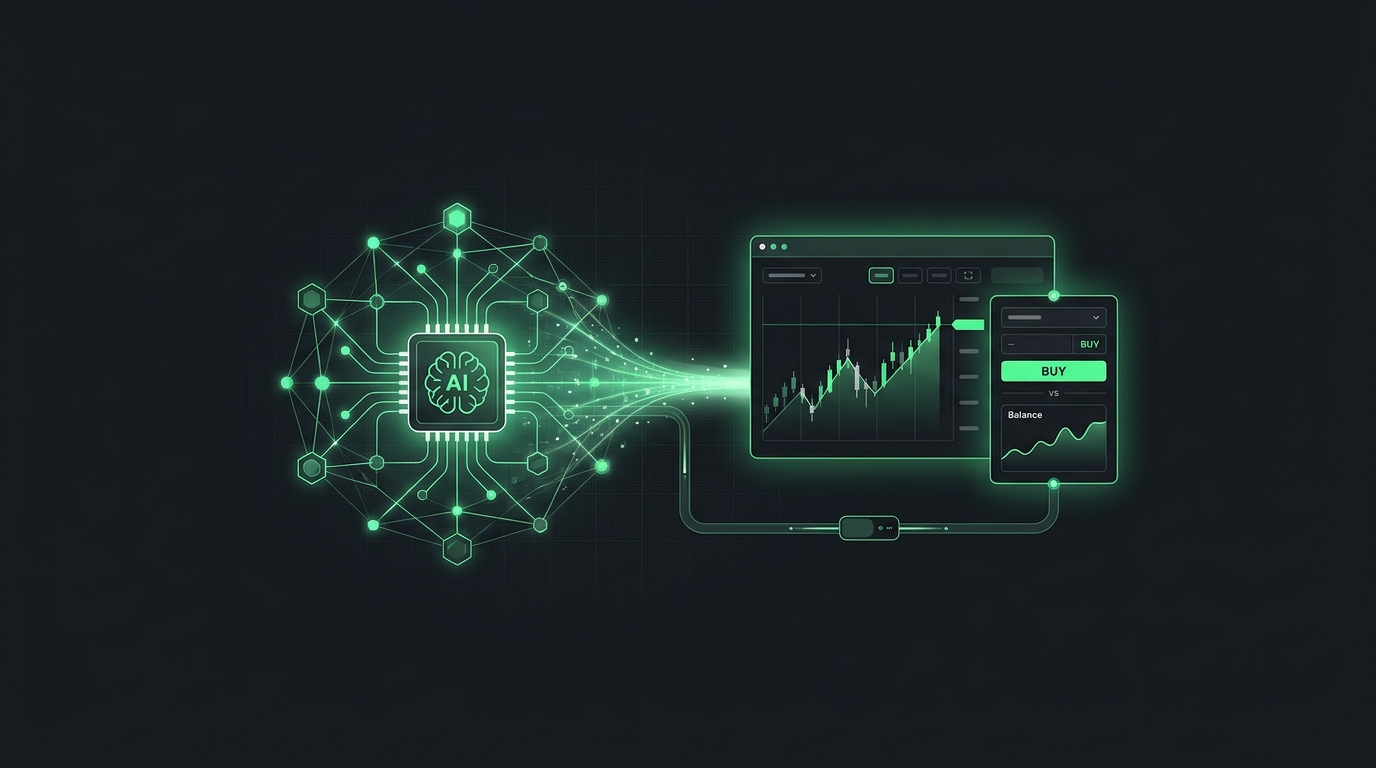
ChatGPT can place trades in a Robinhood account once you link the two with Robinhood's MCP link. This guide covers which ChatGPT plans support it, the setup steps, and how to keep ChatGPT on a short leash.
ChatGPT trading means letting ChatGPT place orders in your brokerage account based on what you tell it. ChatGPT is OpenAI's AI assistant. Robinhood calls this setup agentic trading.
ChatGPT never touches your main Robinhood account. Robinhood says an outside agent can read your accounts but trades only in a dedicated agentic account.
Your ChatGPT plan decides whether you can connect a trading tool. OpenAI's help center says full MCP support, including actions that change data, is rolling out to Business, Enterprise, and Edu plans on the web.
OpenAI also says Pro users can turn on developer mode to use custom apps. Plans and features change often. Check OpenAI's page for your plan before you start.
MCP, the Model Context Protocol, is a standard that lets AI apps connect to outside services. Robinhood's trading tools use it.
1. A Robinhood individual investing account in good standing.
2. A ChatGPT plan that supports developer mode and MCP apps.
3. ChatGPT open on the web.
4. A small amount of money you could afford to lose.
5. Written rules for ChatGPT to follow.
You connect ChatGPT by turning on developer mode and adding Robinhood's MCP link as an app. Robinhood's steps are below.
1. In ChatGPT, go to Settings, then Security & login.
2. Turn on Developer Mode.
3. Select Plugins, then select the + button to add one.
4. Paste Robinhood's MCP link: agent.robinhood.com/mcp/trading.
5. Sign in to Robinhood when prompted.
6. Open your agentic account when Robinhood asks, and finish the on-screen steps.
7. Fund the agentic account with a small amount.
On Business plans, an admin may need to allow developer mode first. OpenAI's menus may also read Apps instead of Plugins.
Turn on trade approvals so ChatGPT can only suggest orders. Robinhood says approvals are off by default for outside agents.
1. Open Agent Settings in Robinhood.
2. Choose Safety Controls.
3. Switch Trade approvals on.
With approvals on, you review and place each order yourself. OpenAI also says ChatGPT may ask for confirmation before important actions.
After setup, hand ChatGPT a plan rather than asking for ideas. Asking "what should I buy?" gets a new answer each time. A plan gets the same orders each time.
A good plan names what to hold, the target size of each position, and when to rebalance. You can feed ChatGPT a tested plan through a second connector.
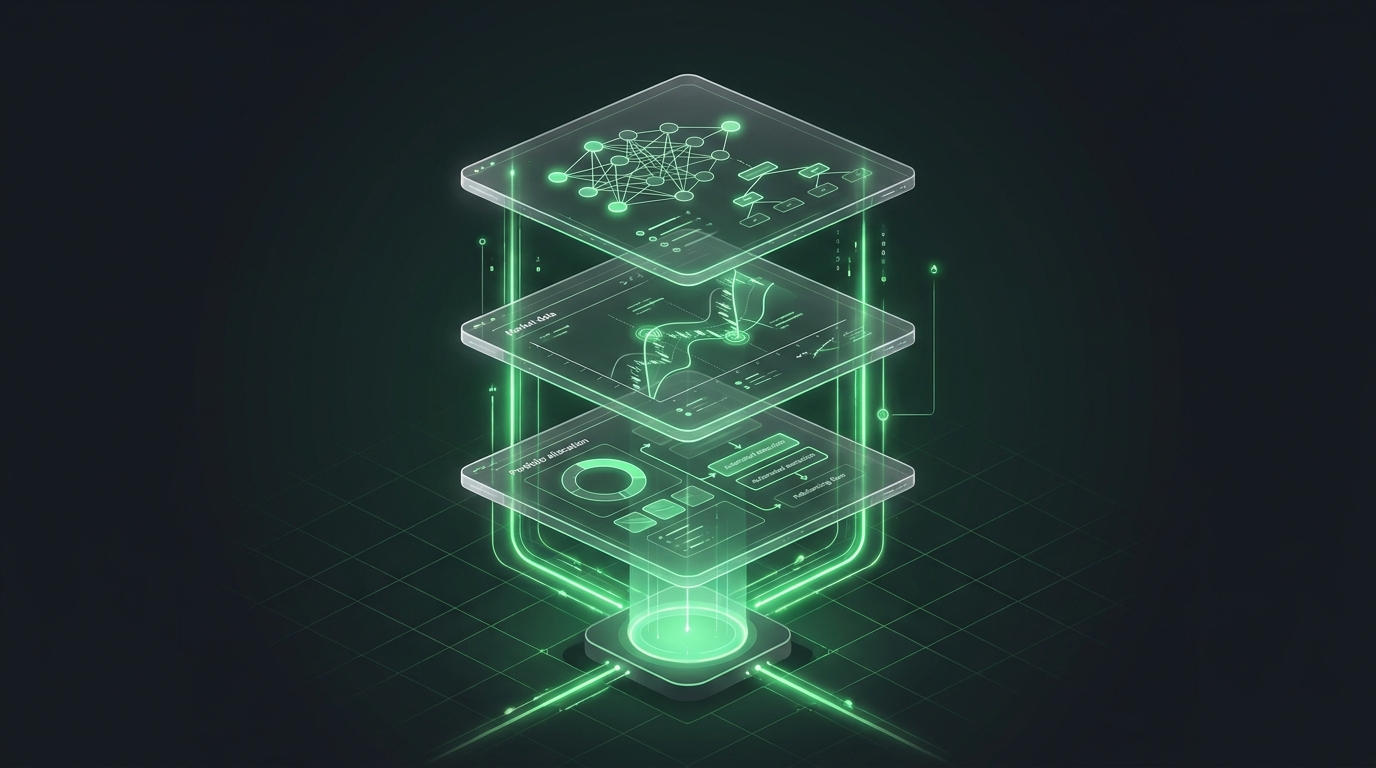
Portfolio Lab is a strategy research and simulation tool from alphaAI Capital. It lets you build strategies, test them in live markets with virtual money, and connect them to ChatGPT. See how to connect ChatGPT to Portfolio Lab, then when to run your Portfolio Lab prompt.
ChatGPT can get things wrong, and every trade is your responsibility. Robinhood warns that agents can misread instructions and act on stale information.
Check every order in your Robinhood history. Judge the setup by whether it follows the plan, not by a lucky week. See judge the behavior, not the returns.
Yes, through Robinhood agentic trading. ChatGPT places orders in a separate agentic account based on your instructions.
As of October 2026, OpenAI says full MCP support with write actions is for Business, Enterprise, and Edu plans. Check OpenAI's page for updates.
OpenAI says MCP apps are web only as of October 2026. Set it up and use it in a browser.
ChatGPT is good at following clear rules. It is not reliable at choosing trades on its own, since its answers can change.
No. It can read your accounts but trades only in the separate agentic account.
Turn on trade approvals in Robinhood, or remove the Robinhood app from ChatGPT's settings.
Robinhood's token billing applies only to its built-in agents. Your ChatGPT plan and normal trading costs still apply.
Both connect the same way, through Robinhood's MCP link. Plan rules differ, so check each app's help page.
Build, test, and deploy your own strategies in Portfolio Lab. Free to start.
Educational & Research Disclosure: The content provided is for informational and educational purposes only and is not intended to constitute investment advice, a recommendation, solicitation, or offer to buy or sell any security. Any discussion of market trends, historical performance, academic research, models, examples, or illustrations is presented solely to explain general financial concepts and does not represent a prediction, guarantee, or assurance of future results. Past performance is not indicative of future results. All investing involves risk, including the possible loss of principal.